
Technical support management system.
About Ticket Flow
Ticket Flow is a technical support management system that facilitates the process of providing internal technical support to agencies, organizations, and companies. The system operates via three control panels for administrators, staff, and employees. Each control panel has characteristics and functions according to the user type. Ticket Flow built using Laravel framework and Filament.
Features
- Authentication & User Manager.
- Three levels of users, each level has its own control panel.
- Administrator: Controls the entire system.
- Staff: Controls the tickets assigned to him.
- User: Requests technical support services.
- Flexible control of all parts of the system through a powerful dashboard.
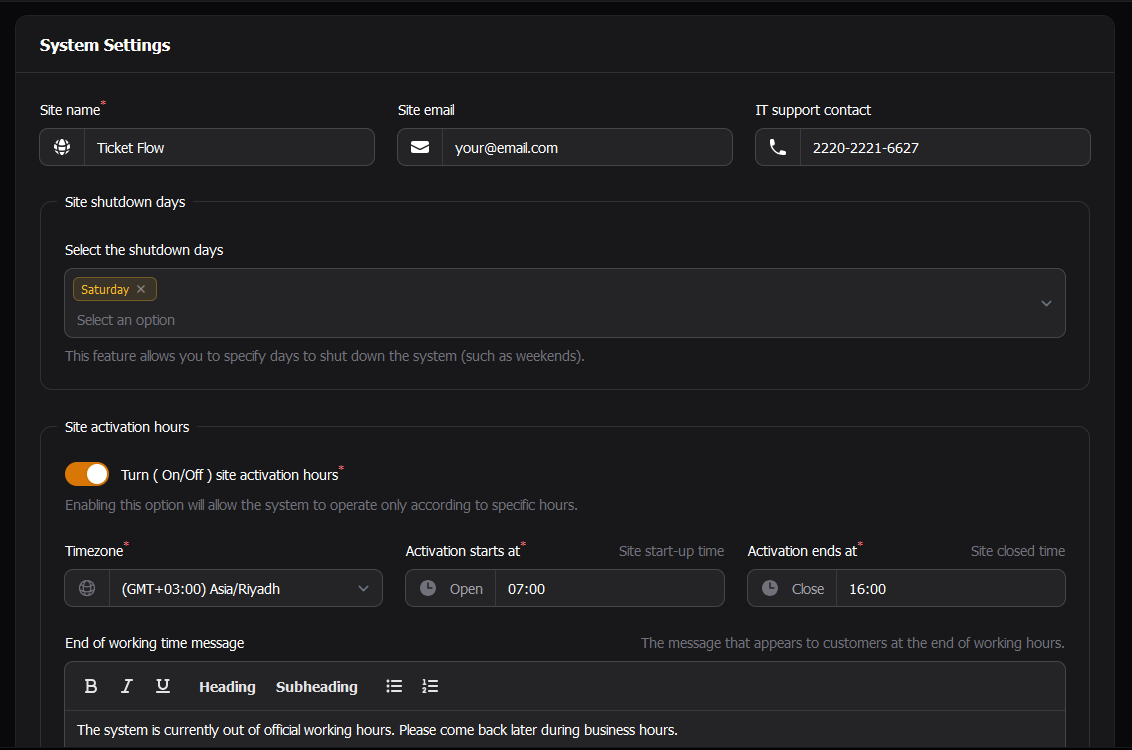
- Ability to allow the system to operate only according to specific hours (e.g., from 08:00 to 17:00).
- Ability to specify days to shut down the system automatically (such as weekends).
- Export reports in PDF format.
Requirement
[ PHP: ^8.1] Ticket Flow requires a minimum PHP version of 8.1.Installation
1. Clone the repository locally:
Clone the repository with
git clone https://github.com/mulihani/ticketflow.git ticketflow && cd ticketflow
2. Edit database information in .env file with your data:
This step is very important.- First you must create a database.
- Second you must copy file
.env.example file to.env and edit database credentials:
copy .env.example .env
After copying the file, edit database credentials
        DB_CONNECTION=mysql // Replace it with your database connection
        DB_DATABASE=your_database // Replace it with your database name
        DB_USERNAME=root // Replace it with your database username
        DB_PASSWORD= // Replace it with your database password
3. Install PHP dependencies:
composer install
4. Generate a unique application key:
php artisan key:generate
5. Running Migrations:
Execute the migrate artisan command:
php artisan migrate
6. Seed essential data:
Execute thedb:seed artisan command to seed essential data
php artisan db:seed
Screenshots
After executing the above command, you can login to control panel by going toScreenshots
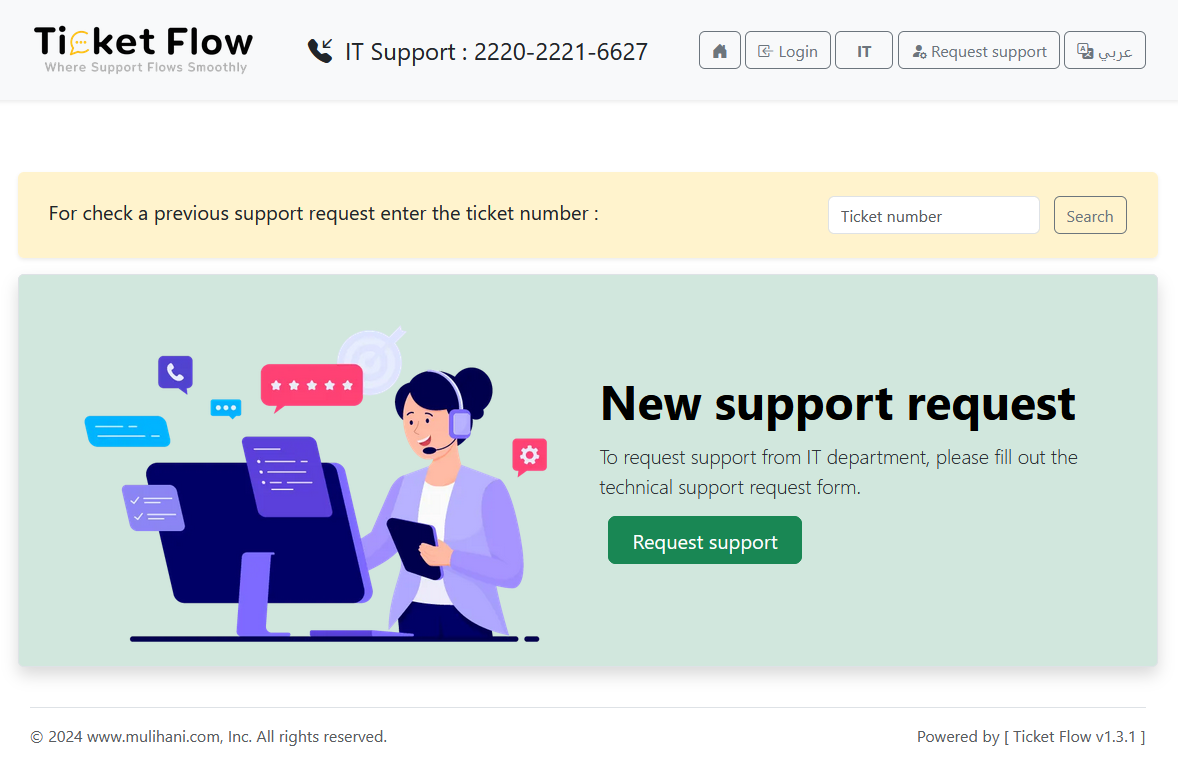
Ticket Flow Index Page
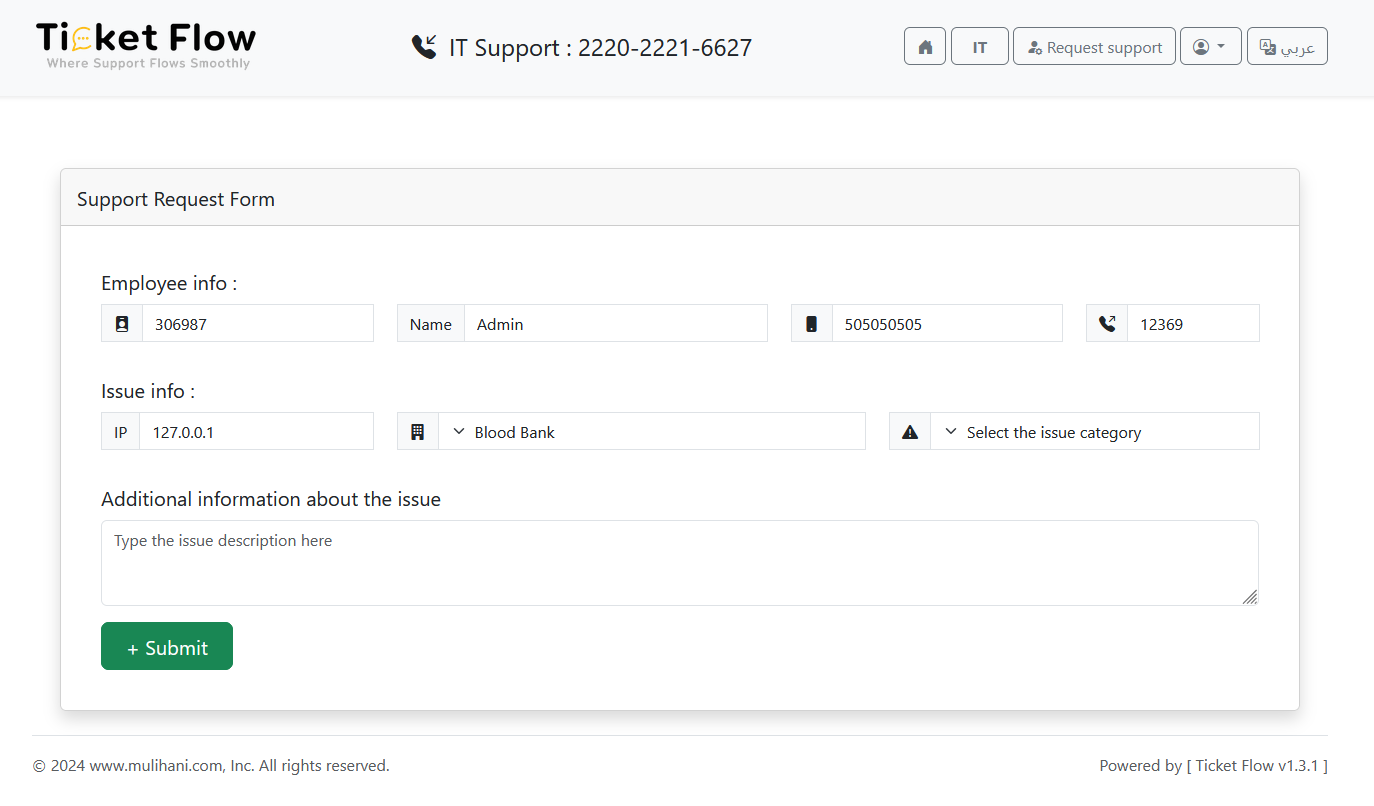
Technical Support Request Form
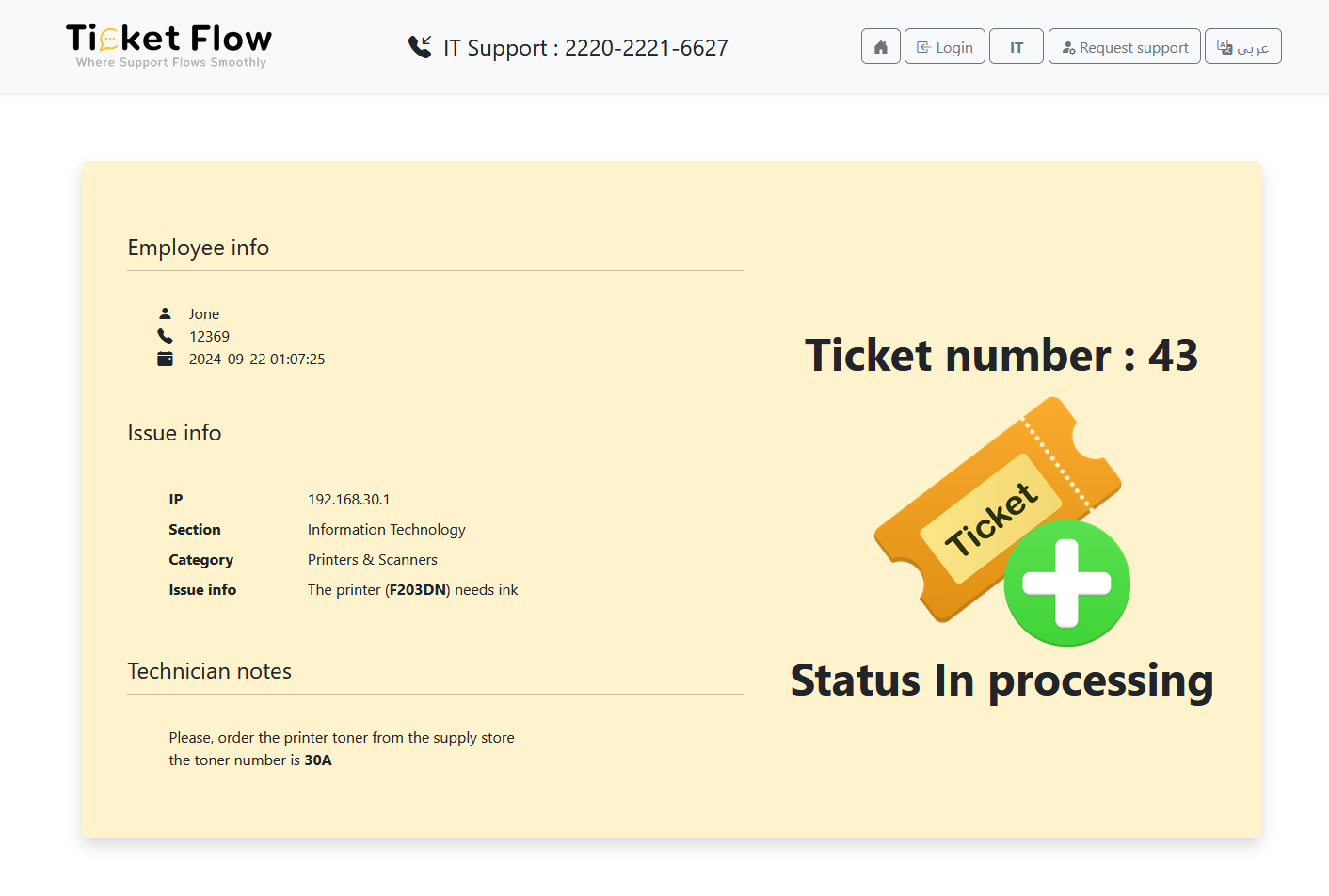
Ticket page
User Dashboard
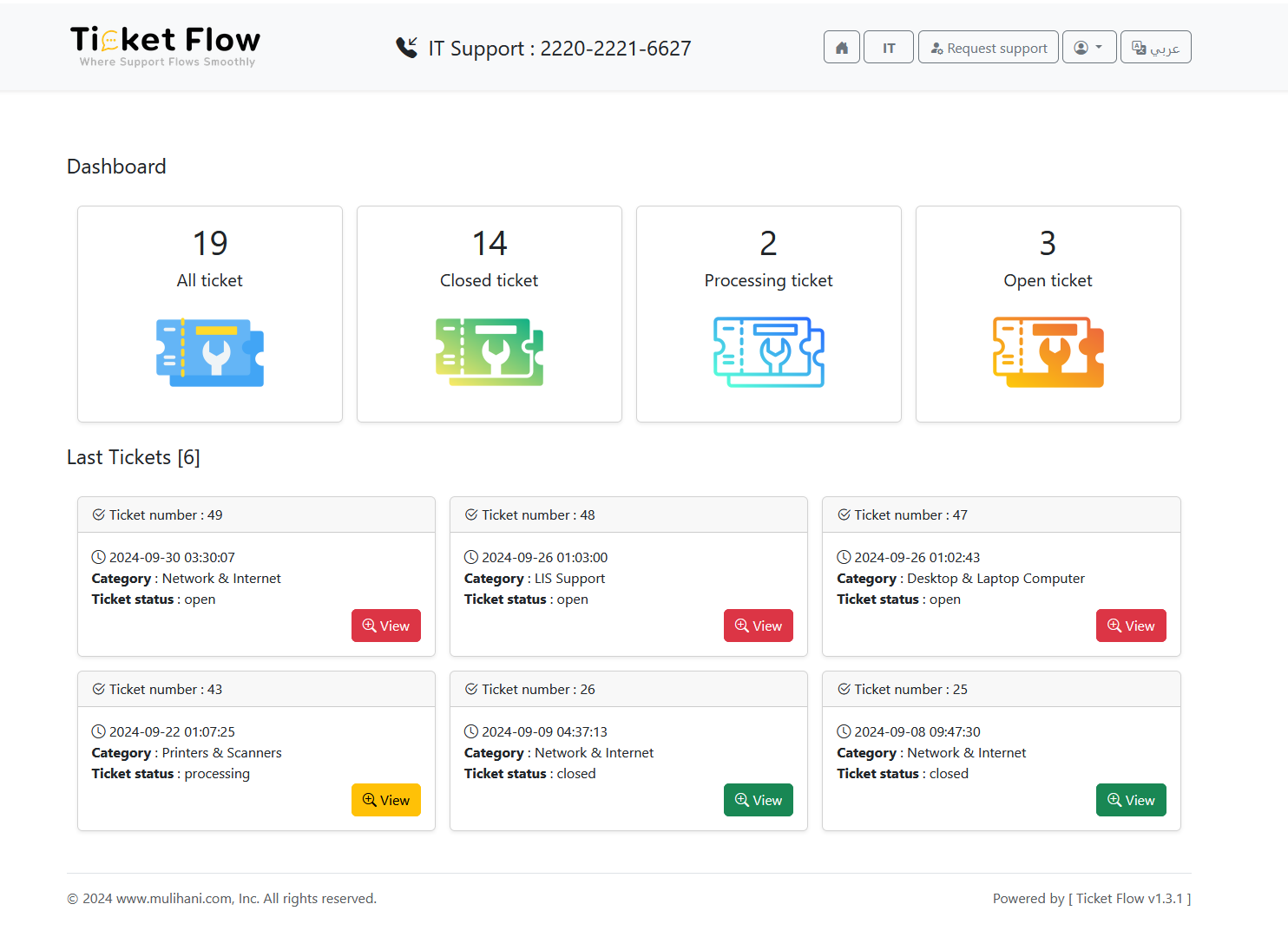
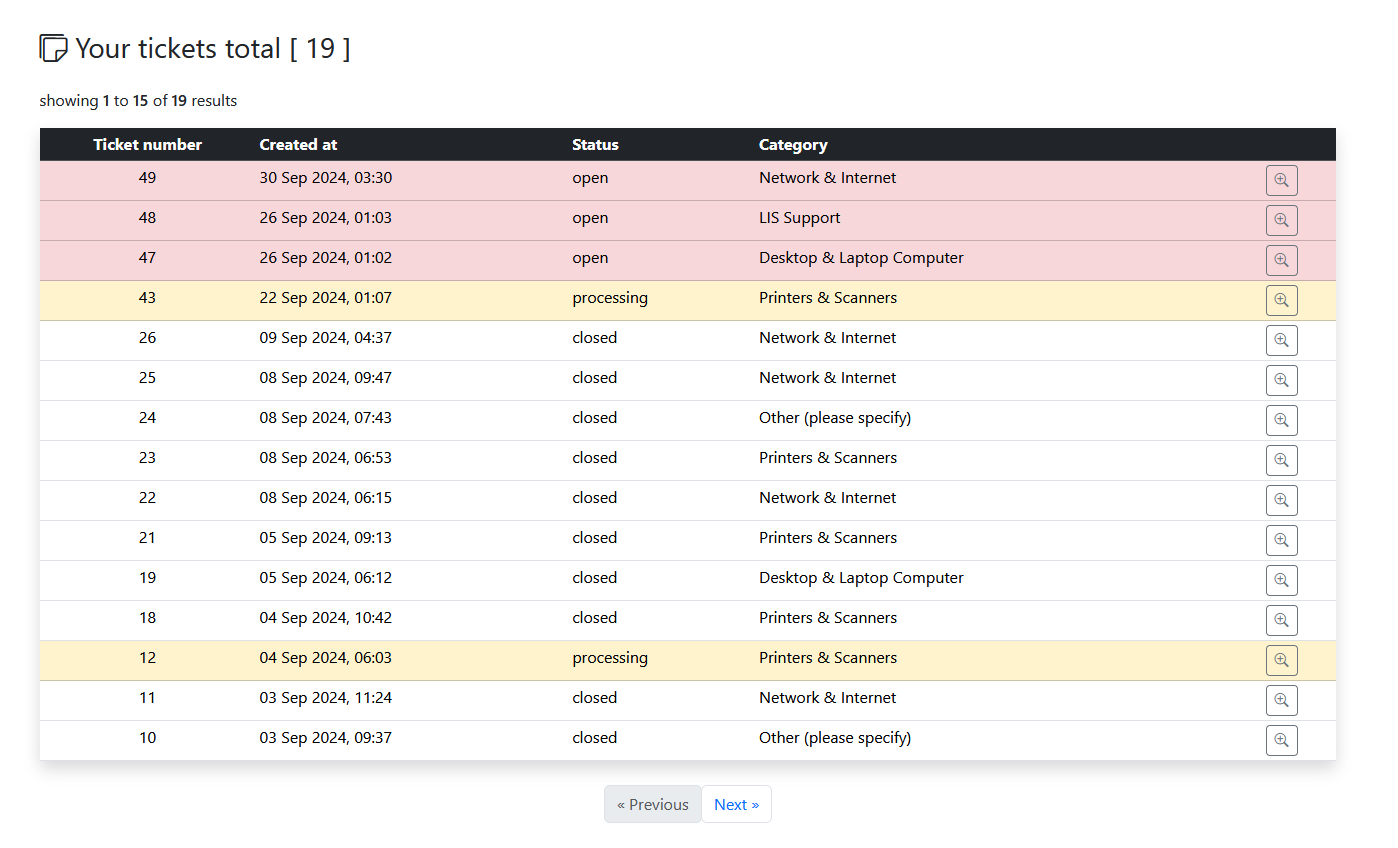
User Tickets
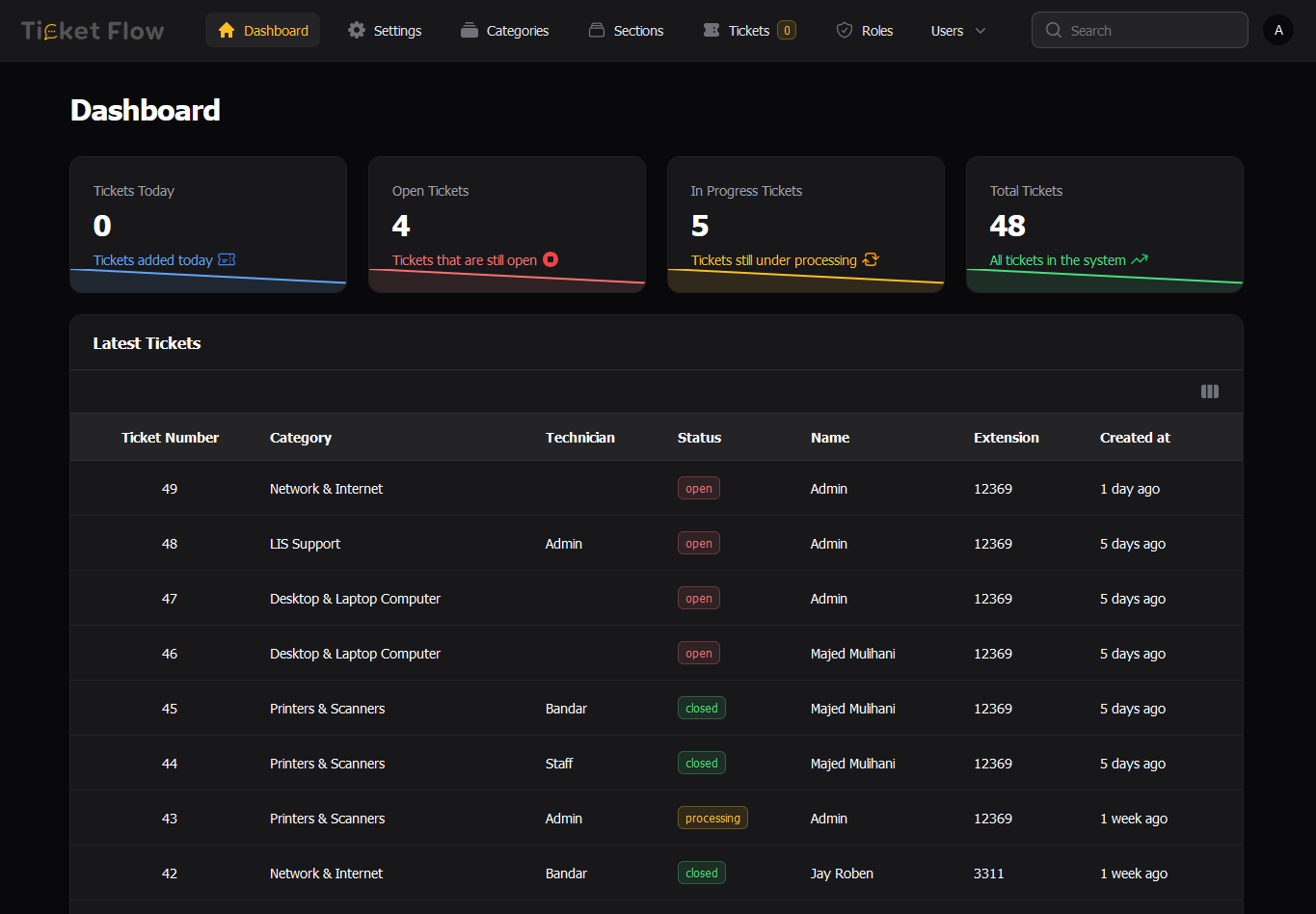
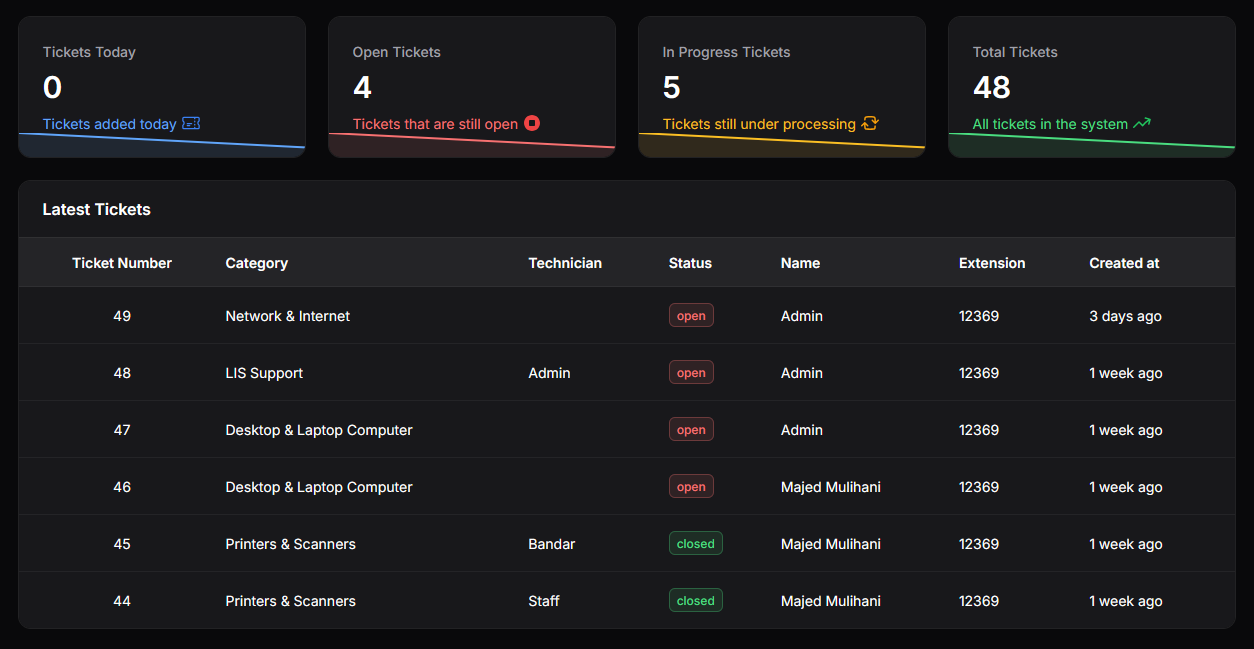
Admin Dashboard
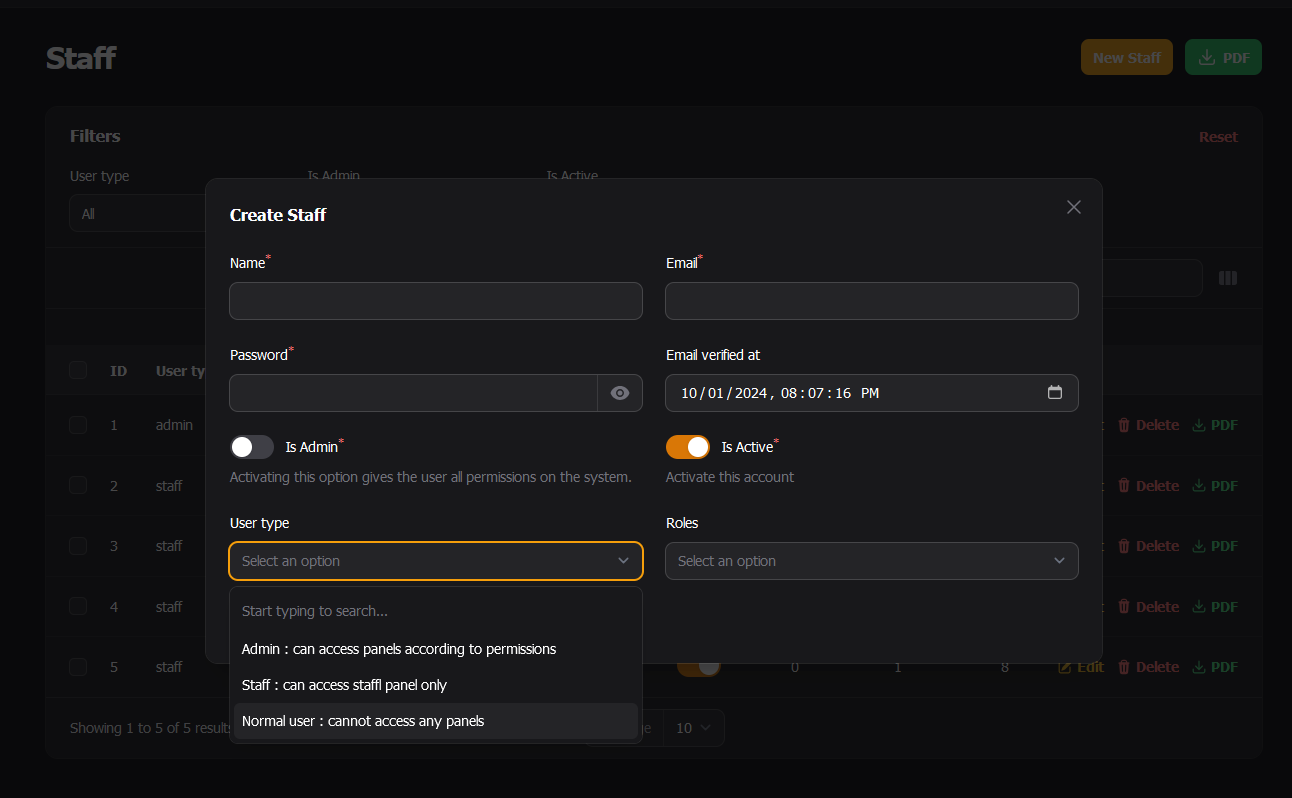
Add New User
System Setting
Ticket Monitoring Screen
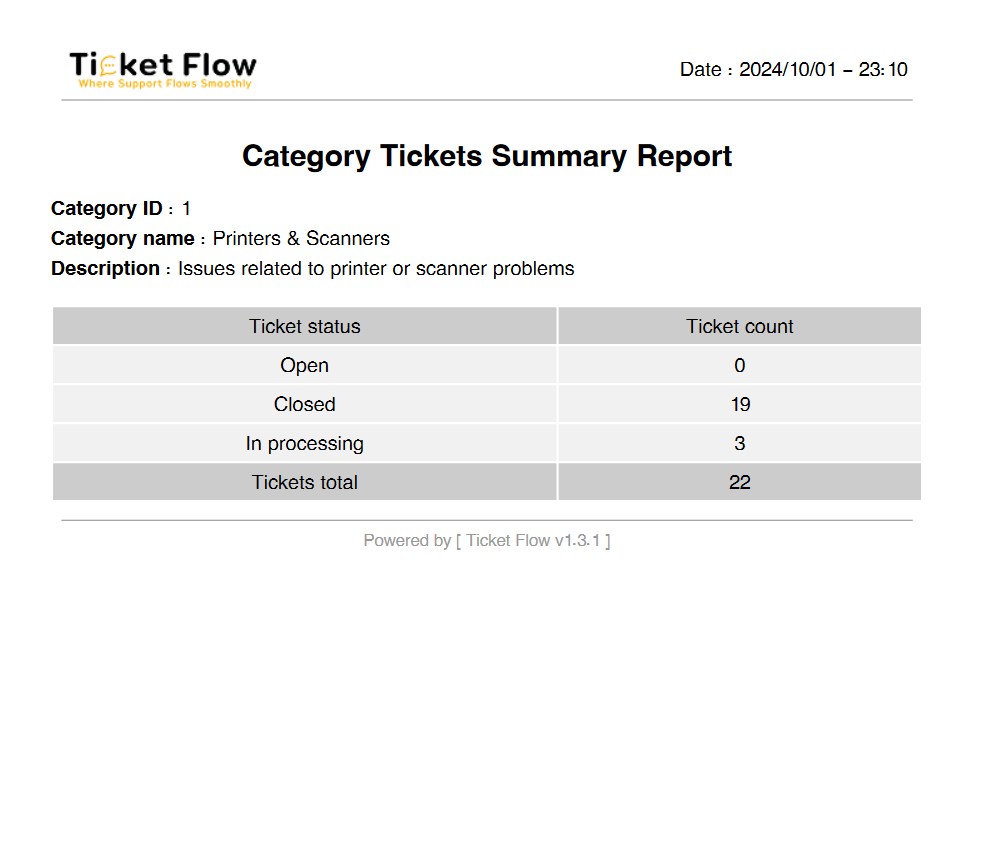
Tickets Summary Report
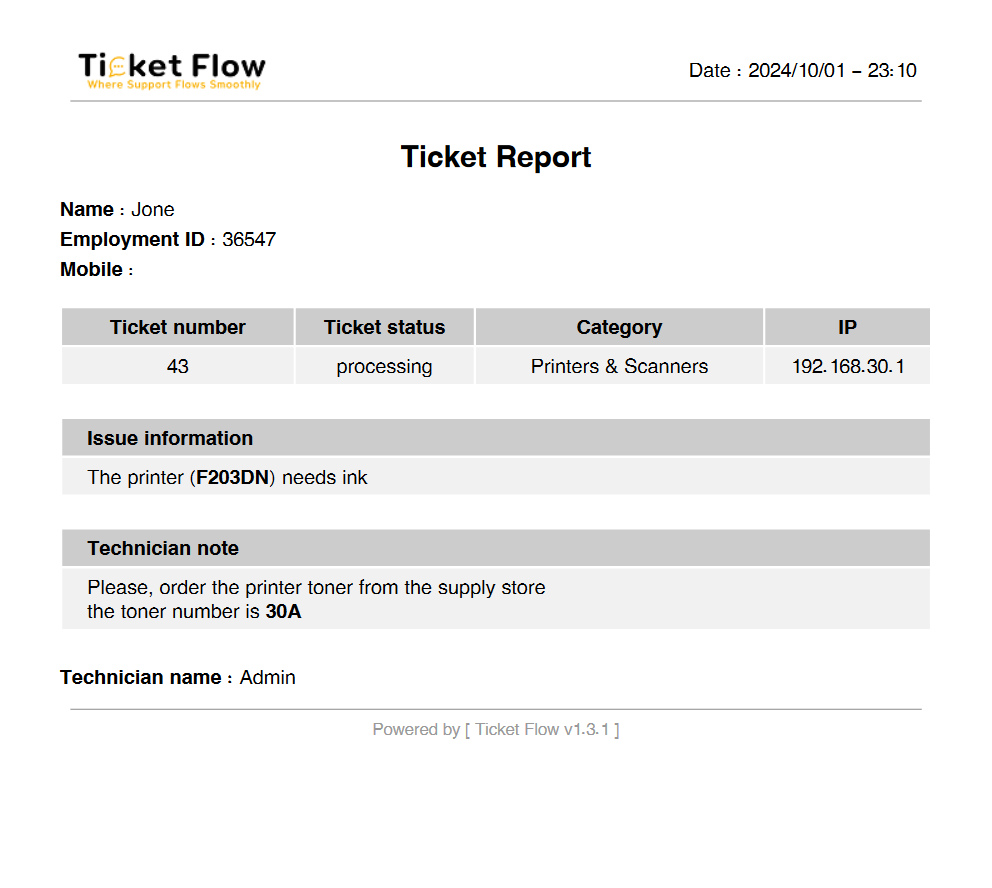
Ticket Report
Ticket Flow Sponsors
We would like to extend our thanks to the following sponsors for funding Ticket Flow development. If you are interested in becoming a sponsor, please send an e-mail to Majed Mulihani via [majed@mulihani.com](mailto:majed@mulihani.com).Premium Partners
- VIELW
- Mulihani
- majed.blog